Tutorial

★ Live pricing · No signup to try

Process

Upload product photos, choose your edits one photo at a time, watch the price update as you go, and have them back when you need them. Open the editor and try it – no account needed until you check out.

From £0.39 per edit · No subscription · Pay per order
Hero Image 5:4 ratio · ~600×480 Suggested: a polished hero product shot, ideally a before/after composite or a screenshot of the live editor with quote visible

Open the editor – no signup required

Drop in a few photos, choose your edits, see your live quote. Sign up only when you're ready to check out. Your work stays saved on this device.

Start editing →
Process

How it works

From upload to delivery in three steps. No quotes to wait on, no email back-and-forth.

1
Step 1 Image16:10 · ~360×220Upload UI screenshot or photo of someone selecting product images

Upload

Drag and drop your photos into the editor in your browser. Thumbnails appear straight away. We accept JPG, PNG and WebP files up to 100 MB each.

2
Step 2 Image16:10 · ~360×220Editor showing options panel + sliders + live quote

Configure & price

Pick the edits you want for each photo – background removal, retouching, ghost mannequin, and 9 more. Your quote updates as you go. Use our sharpie tool to draw on a photo and show editors exactly what you want.

3
Step 3 Image16:10 · ~360×220Approval / delivery view with downloadable assets

Approve & receive

Watch your photos move through editing as it happens. Review and approve them right in the editor when they're ready. Download in JPG, PSD, TIFF – all your sizes, one order.

Why Picarm

What makes Picarm different

Most editing services leave you waiting on a quote, sending instructions by email, and unsure what the final price will be. We built something more direct.

Live pricing

See your price update the moment you pick an option, photo by photo. No quote forms to fill in, no waiting for an email back. The number on screen is the number you pay.

🎚️

Per-photo control

Other bulk-editing services force the same settings on every photo. Picarm lets you choose background, retouching, shadows, output sizes – every option, on every photo, individually.

🖍️

Mark up your photos

Draw directly on a photo with our sharpie tool to show editors exactly what you want changed. No more long emails trying to describe what you mean – just point at it.

🔓

Try before you sign up

Most editing services hide the product behind a signup wall. Open Picarm's editor right now – no account, no email, no commitment – and we'll only ask you to sign up when you're ready to check out.

Pricing

Transparent pricing

Per-service starting prices. See your exact total in the editor as you set up each photo.

Background Removal
from£0.39
+ £0.30 per extra output
Clipping Path
from£0.23
Per path
Retouching (Standard)
£4.55
Advanced: £12.51
Ghost Mannequin
£4.29
Per image, fixed
Manipulation
£5.25
Per image, fixed
Shadow
£0.84
Per image, fixed
Colour Change
from£0.68
Per colour code
Resizing / Output
£0.25
Per output file

First time? Get £10 off each of your first 5 orders – your unique discount code arrives by email when you sign up.

Platform

Built into one platform

Platform Screenshot16:10 · ~720×450Hero shot of the app – editor view ideally, with order detail panel visible
📊

See updates as they happen

Watch your photos move through editing in real time. No need to refresh, no chasing us by email.

🔎

Review at full resolution

Zoom into every photo at full resolution, leave feedback on each one, mark up with the sharpie tool, then approve or ask for changes.

Approve in the editor

No PDF sign-offs, no email chains. Approve right where you set up the order in the first place.

📦

Every format you need

JPG, PNG, PSD, TIFF – plus all your sizes – packaged into one download per order.

FAQ

You have questions, we have answers

Do I really need an account to try the editor?
No. Open the editor, drop in photos, choose your edits, see your live quote. Your work stays saved on your device. We only ask you to sign up at checkout.
How is pricing calculated?
Each service has a clear per-image rate, and your total updates live as you toggle options. There are no hidden fees, no quote requests, and no surprises at checkout – the number you see in the editor is the number you pay.
What services do you cover?
Background Removal, Clipping Path, Colour Change, Retouching (Standard and Advanced), Ghost Mannequin, Manipulation, Shadow, Levels, Straightening, Centering, Resizing, and Custom File Types (PSD/TIFF). Twelve services covering everything you need for product photography post-production.
How do I tell editors what I want?
Two ways. Pick the options and sliders for each photo (that sets the brief automatically), and use our sharpie tool to draw on a photo to point out specific areas. Much clearer than trying to describe it in email.
What happens if I'm not happy with the result?
You review every photo before final delivery. Request changes on any photo with our markup tools and we'll re-edit. Nothing is final until you approve it.
Can Picarm handle bulk orders?
Yes – every photo can have its own settings, so you don't have to apply the same edits across a whole order. Background removal on these, ghost mannequin on those, retouching on the others – all in one go.
Will you edit my pet or wedding photos?
We specialise in product photography for e-commerce. However beautiful your dog is, we're set up for products.
Recent work

Check out our
portfolio

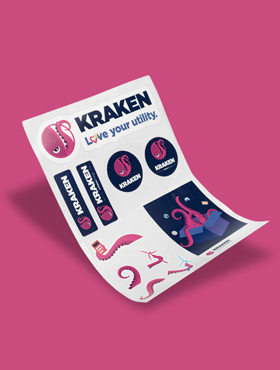
Portfolio 13:4 · ~280×370Product shot – apparel ideally
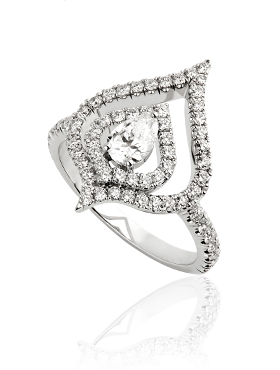
Portfolio 23:4 · ~280×370Product shot – accessories or footwear
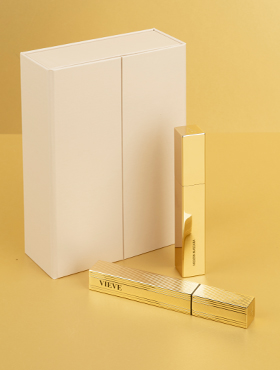
Portfolio 33:4 · ~280×370Product shot – beauty/cosmetics
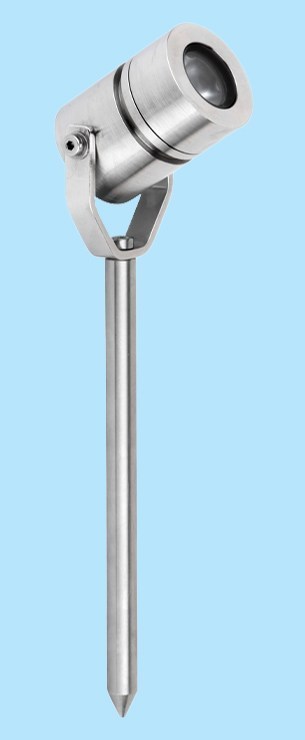
Portfolio Tall1:2 · ~280×740Editorial / model shot – full length
Portfolio Wide3:1 · ~870×290Wide before/after composition